
Have you ever been locked out of your WordPress site? Do you want to know the real reason behind it? It’s a common error that almost every WordPress has faced at a certain time. It can be really frustrating. In this article, we will be talking about what can cause this annoying ‘Locked Out’ error on your WordPress website and how you can solve this problem using some amazing tricks with absolute ease.
White Screen Death (WS)

White Screen Death is the most common locked out error in WordPress. And when this happens, you can not find out the exact solution on the spot. It sometimes occurs for memory size limitation of the site. You have to first check your memory limits then to move on others. Besides that, it can also take place because of nonfunctional plugins. You have to find out the plugins that won’t necessary or not responding properly. You have to remove or deactivate them instantly.
If you are seeing this error, then please refer to our guide on how to fix the WordPress white screen of death.
Database Connection Error
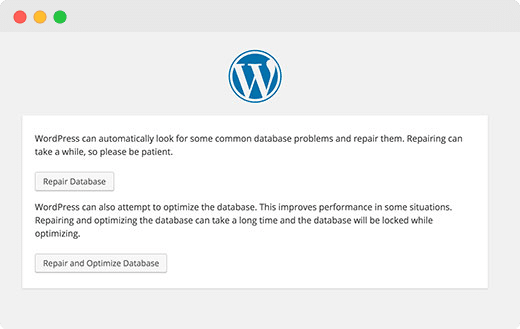
Another most common reason is Database Connection Error which can lead your site to face the locked out error. It happens because of database corruption, lots of traffic into site leads to unresponsiveness or server issues with your hosting service provider. It’s very simple to solve this problem like repairing the corrupted database and files, check mismatch of your login credentials and more. You can check out our article on database connection error to solve the problem following the step by step guideline.
Incorrect Password Issue & Recovery
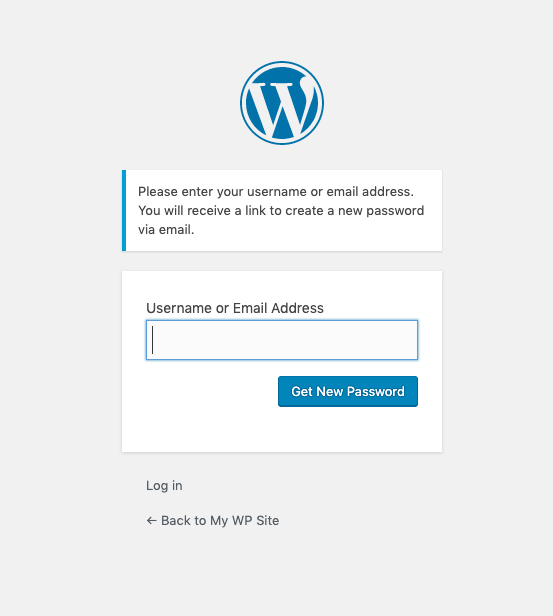
You can face WordPress locked out error for one common issue like the if login panel identifies incorrect passwords. Like capital words, lowercase or uppercase of your passwords interrupt the login when you want to enter into the site. Or it can be attacked by someone to hack your site and change your admin password. Considering both cases you have to recover the password to get back to your site. You have to log in to your FTP server or CPanel to change the site password manually. And if it doesn’t work, you can request to your webserver to reset your password. In this way, you will get back to your WordPress account just within some time.
Lost Admin Privileges
Sometimes, you may be able to login to your WordPress admin, but you don’t see any of the admin functionality. For example, you don’t have access to your themes or plugins.
If you liked this article, then please subscribe to our YouTube Channel for WordPress video tutorials. You can also find us on Twitter and Facebook.


Comments
Post a Comment